An attachment can fail at three different points: adding it to a message, downloading it from received mail, or opening the downloaded file. Identify which step fails before changing your account or device settings. This guide covers Yahoo Mail in a desktop browser and combines the previous overlapping attachment articles.
If the file will not attach
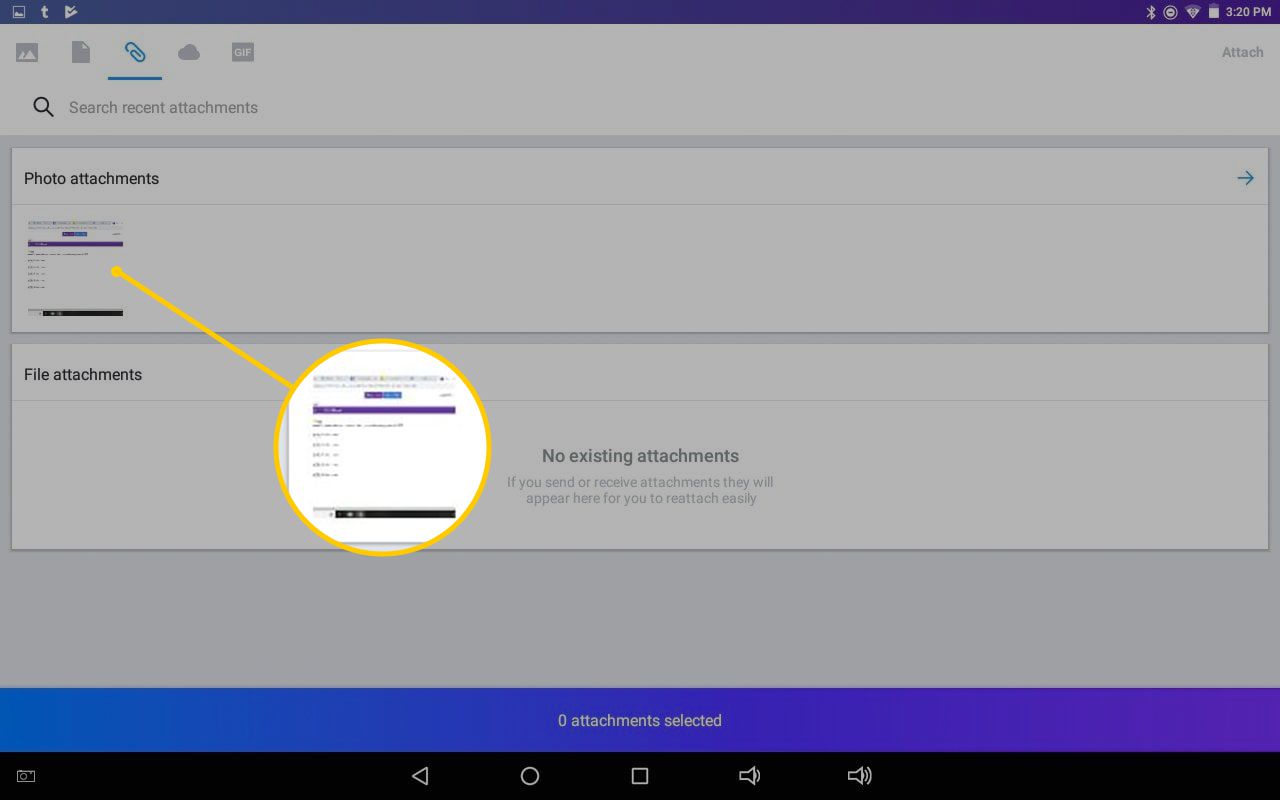
In New Yahoo Mail, start a message, open the attachment control and choose files from your computer. Wait until the file appears below the message before sending. Yahoo’s documented attachment total is 25 MB per message, including all attached files together.
For a practical check, try a small, ordinary document you created yourself. If that attaches but your original does not, compare its size, filename and type. Remove unusual filename characters without changing the file extension. Yahoo blocks several executable or script formats because of malware risk. Renaming or packaging a blocked program to evade that protection is not an appropriate fix.
If a received attachment will not download
- Check that you trust the sender and expected the file. Do not download a suspicious attachment just to diagnose an error.
- Confirm that other websites load and that your browser is current.
- Retry in another supported browser. This helps distinguish an account/file issue from the original browser’s setup.
- Check browser download notices and destination storage. If browser extensions interfere, review them individually rather than disabling device security.
Yahoo’s general browser troubleshooting also includes clearing cache and restarting the browser or computer. Save unfinished work first. Clearing cookies can sign you out, so make sure you can sign back in before removing them.
If the file downloaded but will not open
Look at the downloaded file’s type and use an application that supports it. A downloaded spreadsheet and a photo need different applications. If only that file fails, ask the sender to check the original and resend an ordinary supported format. Do not install an unknown “attachment repair” program or disable antivirus to open it.
For larger files
Use a trusted sharing service and send a link when a legitimate file exceeds the attachment limit. Check who can open the link before sending and avoid public access for private material. A compressed folder may reduce size, but it does not make unsafe content safe or guarantee that it will meet Yahoo’s limit.
If the failure persists across browsers, record the exact error, whether upload or download failed, the file type and approximate size. Keep the attachment’s private contents out of public help posts. Continue through Yahoo’s official help options rather than an unverified telephone number.
Source review: 12 October 2026. Prepared by Number Customer Care Editorial Desk from the official documentation below. Menu labels and feature availability can vary by account, region and app version.
Official sources
Number Customer Care is an independent information website and is not affiliated with the companies mentioned. We cannot access, recover or change your account. Use the provider’s own website for account-specific assistance.